Worked example — how it works
Three steps to a role-specific CV. About fifteen minutes to set up, then minutes per role.
-
Enter your career history once.
Import your CV. Evident parses it into a profile: roles, dates, skills, education. You review what it found. That record powers every document.
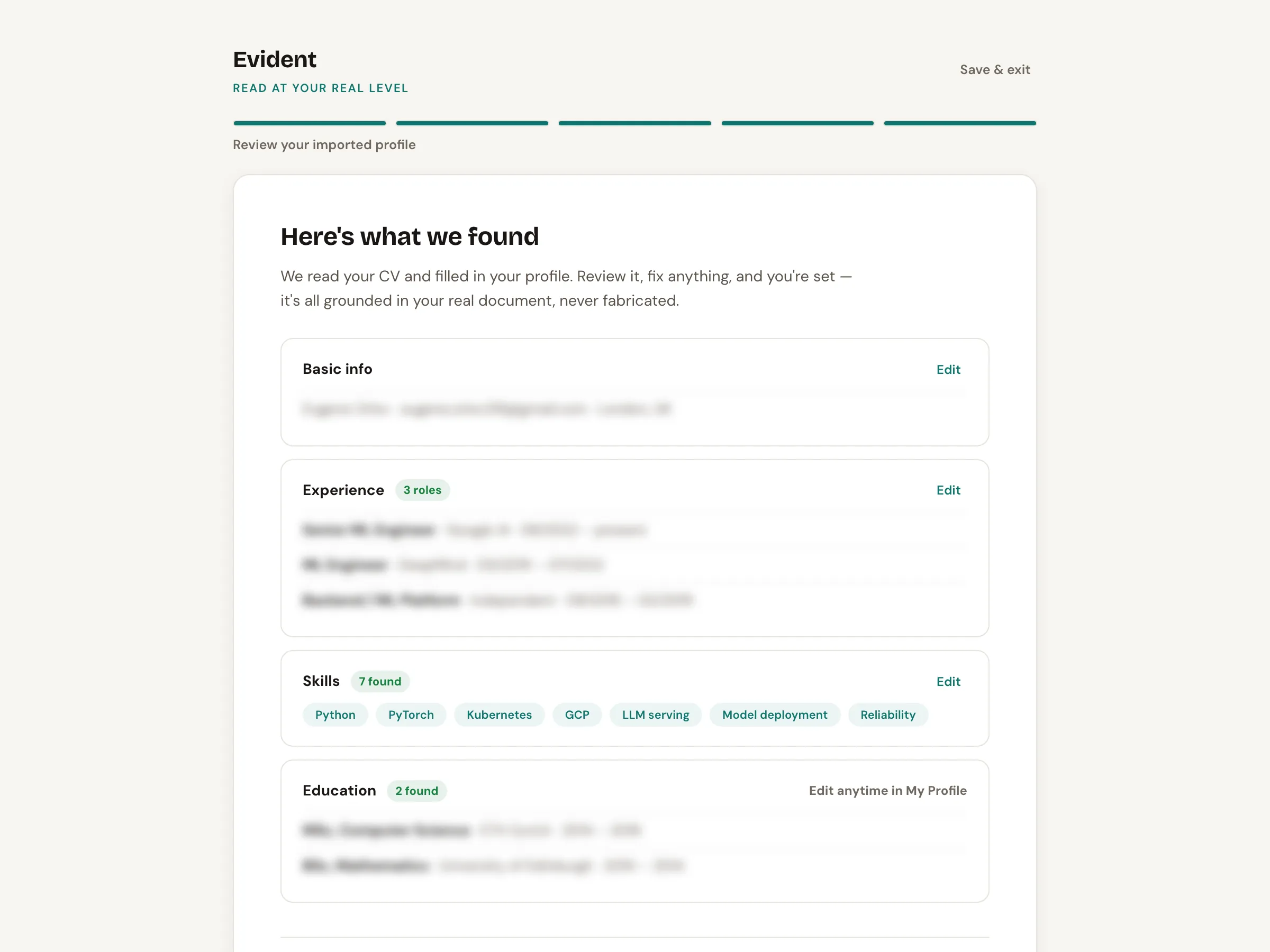
Your full career history, parsed once. Review and confirm. -
Add a job posting.
Paste a job link or description; the engine scores your fit and gives a verdict before you invest the time: worth tailoring, or not. Or skip the pasting: add employers to your target list, and discovered roles arrive already scored.
Add a job link. Three scores before you commit: Profile, Career and ATS fit in one assessment — the 64 you'll watch climb. -
A role-specific CV.
An ATS-legible CV that reads at your real level, written in a natural senior register. The engine reads the job requirements and proposes the positioning changes, or you steer the positioning yourself. Every change appears in the live preview.
It proposes the moves; you steer. Every change lands in the live preview – yours to approve — the same role from step two: 64 → 71.